Pool Kit1.5
Publisher Description
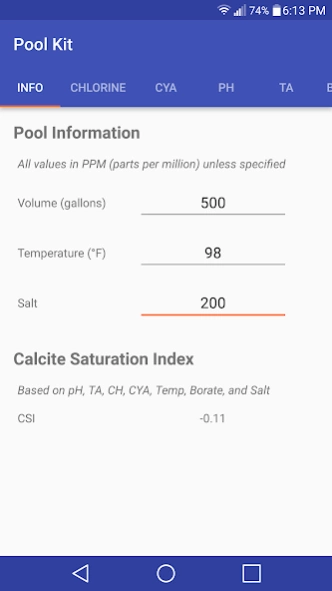
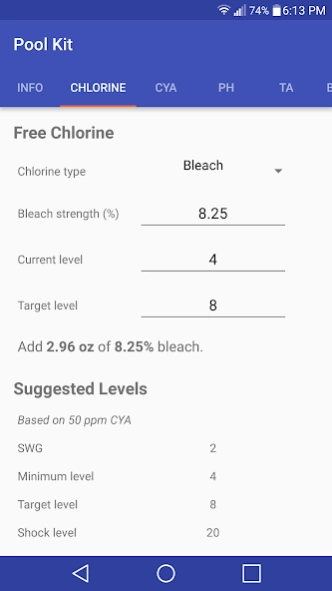
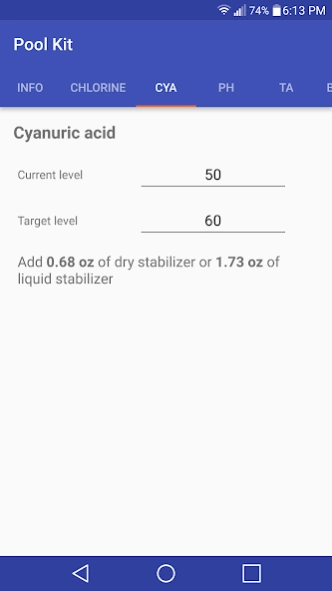
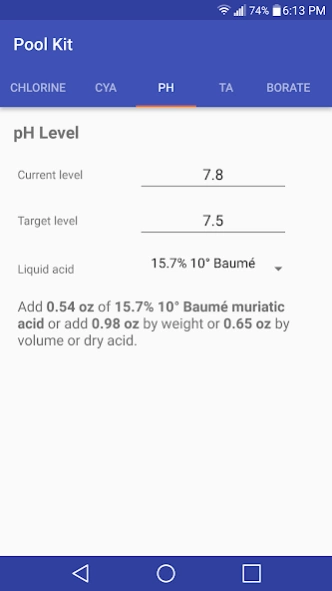
Pool Kit provides all the tools you need for additions to your pool or spa.
Pool Kit is a clean, beautifully designed calculator for chemical additions/deductions to your pool or spa.
Formulas based on most popularly used online chemical calculators and from my own experience. USA (ounces/gallons) and metric (ml/liters) units supported.
Features include calculations for:
- Calcite saturation index
- Chlorine
- Recommended chlorine levels
- Cyanuric acid
- pH
- Total alkalinity
- Borates
- Calcium hardness
Missing something? Please let me know and I will add it.
Contact me for support @ 2dsmartapps@gmail.com
About Pool Kit
The company that develops Pool Kit is Smart apps. The latest version released by its developer is 1.5.
To install Pool Kit on your Android device, just click the green Continue To App button above to start the installation process. The app is listed on our website since 2020-09-08 and was downloaded 10 times. We have already checked if the download link is safe, however for your own protection we recommend that you scan the downloaded app with your antivirus. Your antivirus may detect the Pool Kit as malware as malware if the download link to com.dsmartapps.dev.poolkit is broken.
How to install Pool Kit on your Android device:
- Click on the Continue To App button on our website. This will redirect you to Google Play.
- Once the Pool Kit is shown in the Google Play listing of your Android device, you can start its download and installation. Tap on the Install button located below the search bar and to the right of the app icon.
- A pop-up window with the permissions required by Pool Kit will be shown. Click on Accept to continue the process.
- Pool Kit will be downloaded onto your device, displaying a progress. Once the download completes, the installation will start and you'll get a notification after the installation is finished.
Program Details
System requirements
Download information
Pricing
Version History
version 1.5
posted on 2020-09-08
Complete app rewrite in kotlin
Added units setting
Added dark theme toggle
Version 1.5 - fix result text displayed in white on some devices
version 1.4
posted on 2020-09-05
Complete app rewrite in kotlin
Added units setting
Added dark theme toggle
Bug fixes
version 1.2
posted on 2016-02-27
Minor fixes and general UI improvements
